Open an MHT or MHTML File — View It, Save as HTML or PDF
See a .mht saved by Internet Explorer or Word, or a Windows Steps Recorder record, as it was saved, pictures and all — on a Mac or an iPhone too. Save it as one HTML file or a PDF. The file is read in your browser and not sent anywhere.
Your files stay safe — processed entirely in your browser. Nothing is uploaded.
Drop an .mht or .mhtml file here
or click to choose a file
A Steps Recorder ZIP works too, without unzipping it. Scripts in the page are not run. The file stays on your device.
How to open a .mht file
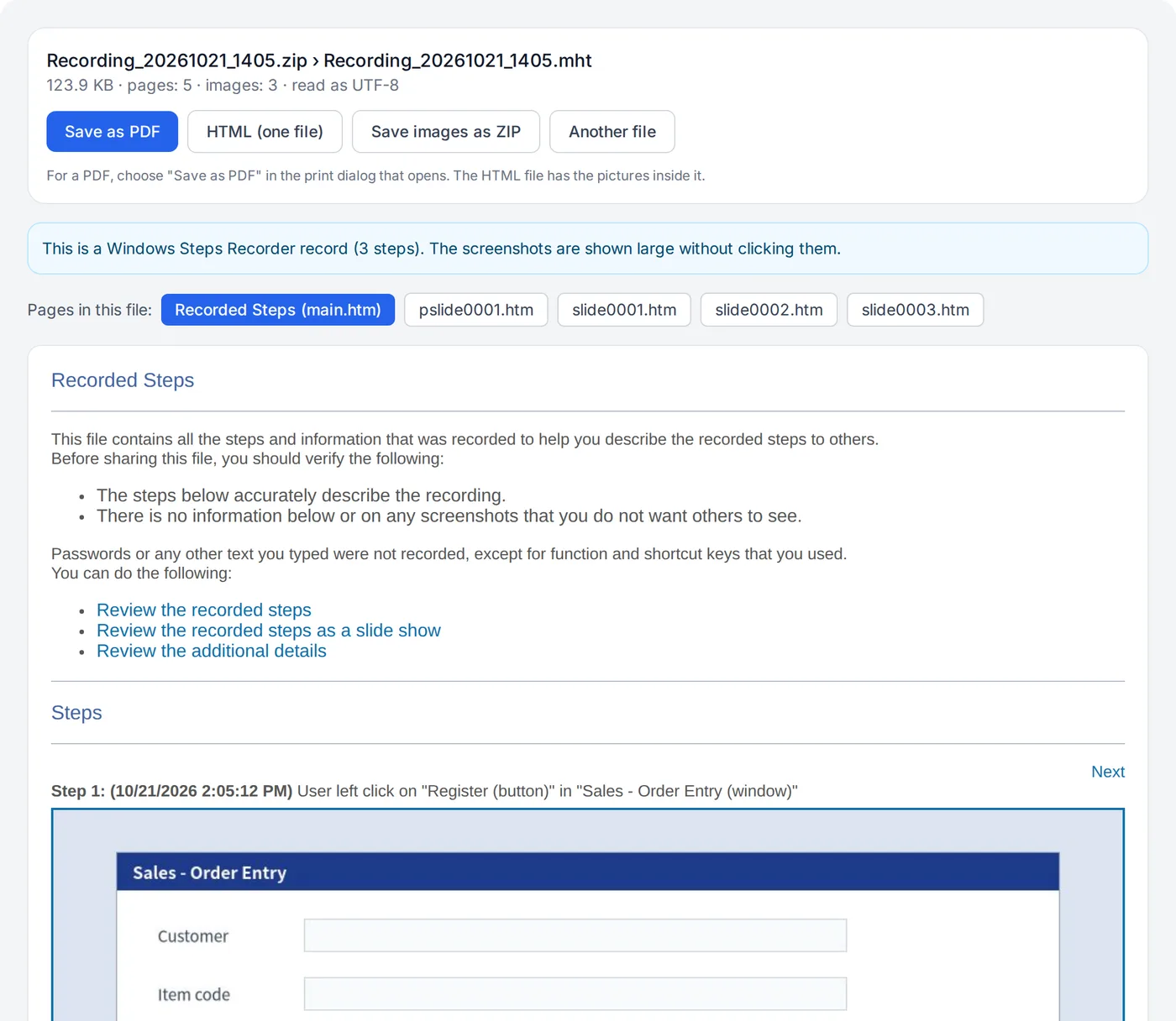
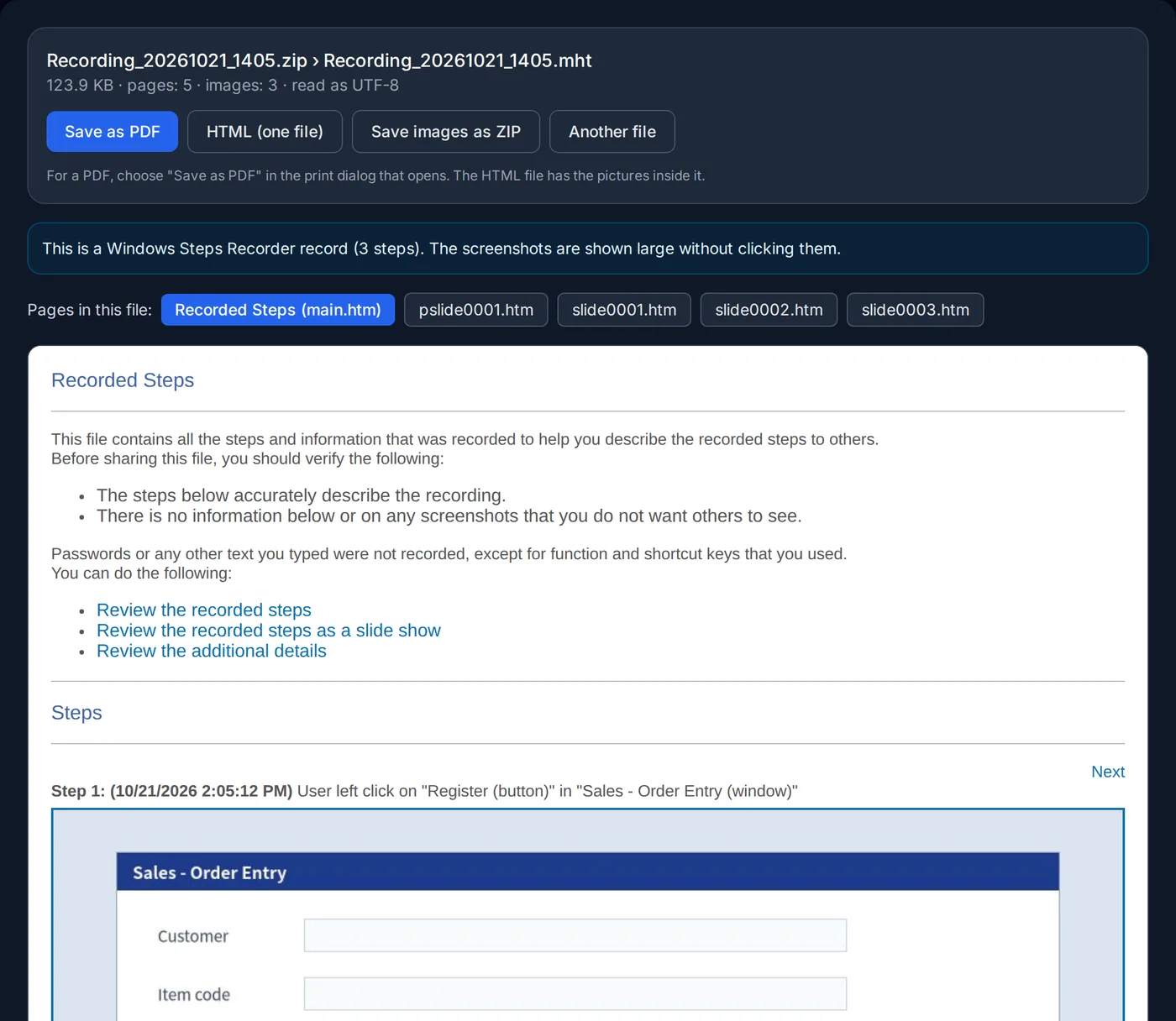
A .mht (or .mhtml) file is a web page saved as one file: the page, its pictures and its styles packed together. Internet Explorer saved pages this way, Word and Excel can save a document as one, and Windows' Steps Recorder writes its records of what you clicked as .mht. Today's browsers and Macs mostly do not open them.
This page shows the file the way it was saved, pictures included, and lets you keep it as one HTML file that any browser opens, or as a PDF. The file is read in your browser; it is not uploaded.
Open the .mht file
Drop it into the box above, or click to choose it. A Steps Recorder ZIP can go in as it is: the .mht inside is found and opened. If the ZIP holds several, choose one.
Look through it
If the file holds more than one page (a slide show, the sheets of an Excel workbook), switch between them with the buttons above the page. Links inside the page to its other pages do nothing; use these buttons.
Save it
"Save as PDF" opens the print dialog, where you choose "Save as PDF". "HTML (one file)" makes a single web page with the pictures inside it, and "Save images as ZIP" takes the pictures out as files.
Scripts in the page are not run, and pictures or styles that are not in the file (on other websites) are not loaded: loading them would tell those sites that the file was opened, and from where. The page says how many were left out.
How this viewer works
The file is unpacked in your browser, every reference in the page is pointed at the matching piece of the file, the page is cleaned of anything that could run or reach the network, and the result is shown in a separate frame that cannot run scripts.
- Reading the archive
- An MHT file is a MIME message (multipart/related) whose pieces carry the address the page used for them (Content-Location or Content-ID). The page's links to pictures, style sheets and frames are matched against those addresses, including the relative ones Steps Recorder writes and Word's file:/// addresses. Text is decoded in the encoding the file declares, or detected as on the rest of this site, so Shift_JIS and EUC-JP pages read correctly.
- Nothing runs, nothing loads
- The page is filtered with DOMPurify: scripts, event handlers, forms, embedded objects, video and sound are removed, and any address outside the file is dropped. The frame that shows it has no permission to run scripts, and its content security policy lets pictures and fonts come only from the file itself.
- HTML, PDF and pictures
- The HTML file is the cleaned page with its pictures and styles put inside it, so it opens on its own in any browser. The PDF comes from your browser's print dialog, so the text stays selectable. The pictures are saved under the names they have in the file.
Limits
Because scripts are not run, a page that builds its content with scripts shows only what was saved, and buttons that worked with scripts (Steps Recorder's "next" links, the sheet tabs of an Excel workbook) do nothing; use the page buttons instead. Video and sound are not played, and pictures, fonts and styles from other websites are not loaded. Drawings stored only as VML are not drawn. Files over 200 MB (50 MB on a phone or tablet), files of more than 10,000 pieces and password-protected ZIP files are not opened.
Frequently asked questions
Is my file uploaded?
What is a .mht file?
Can I open the ZIP that Steps Recorder saved?
Why are some pictures missing?
Is there a size limit?
Documents from work that won't open