Open DWG Files — Free Online DWG Viewer
View DWG drawings made in AutoCAD and other CAD software, with nothing to install. Zoom, pan, switch layers, and save as PNG or PDF. The file is read in your browser and never uploaded.
Your files stay safe — processed entirely in your browser. Nothing is uploaded.
Drop a .dwg or .dxf file here
or click to choose a file
AutoCAD DWG (R12 to 2018 formats) and DXF. The file never leaves your device.
How to open a DWG file without AutoCAD
DWG is AutoCAD's own drawing format. On a computer or phone without AutoCAD or another program that reads DWG, double-clicking one finds nothing to open it with.
This page shows the drawing in your browser, with nothing to install. The file is not uploaded; it is read on your device. It reads the R12 to 2018 formats, which includes the AutoCAD 2018 format that AutoCAD 2019 to 2026 save in.
Choose the file
Drop the .dwg on the box above, or click it to choose the file. The first time you open a DWG, the drawing reader (about 1.5 MB) is downloaded. On an iPhone, save the attachment to the Files app first.
Look at the drawing
The whole drawing is shown, with the format and the number of objects above it, such as "DWG (AutoCAD 2018 format) · 47 objects". Zoom with the wheel or a pinch, drag to move, and use "Layers" to switch layers on and off.
Save or print if you need to
"Save as PNG" saves what you see as an image. "Print / Save as PDF" fits the whole drawing to A4 or A3 and opens the print dialog; choose "Save as PDF" as the printer there to get a PDF.
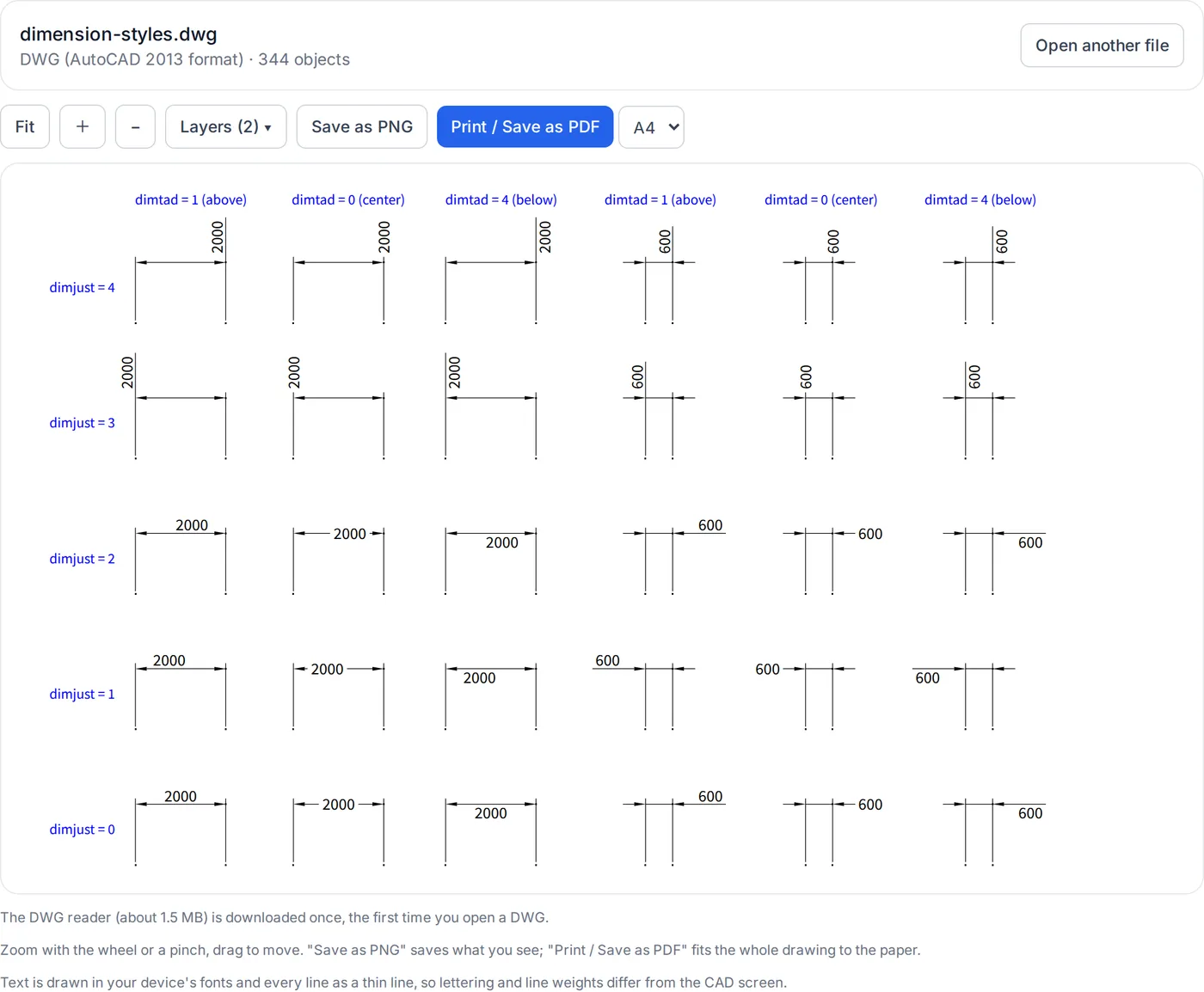
Changing the drawing — adding lines, fixing dimensions — needs CAD software. To look at it, print it or pass it on as a PDF, this page is enough. When some parts could not be shown, or damaged places were skipped, the page says how many under the drawing.
How this DWG viewer works
DWG is AutoCAD's own format, a compressed binary layout of the drawing's data. This viewer reads it with acadrust, an open-source (MPL 2.0) reader, and builds and draws the objects with the same code as this site's DXF viewer — all in your browser, without sending the file anywhere.
- From DWG to the screen
- The reader reads the drawing out of the DWG and writes it out as DXF, the text format for exchanging drawings. That DXF is then read and drawn by the DXF viewer, unchanged: blocks, dimensions, linetypes, hatches and text alignment are handled the same way.
- Damaged files
- The reader skips what it cannot decode and carries on. When it skipped something, the number of places is shown under the drawing. When nothing could be read, or nothing drawable was left after skipping, the page says it could not read the file instead of showing an empty drawing. A damaged name of the model space or of a layout, which hides its objects in an ordinary block, is counted as a damaged place too. When there is no sign of damage and still nothing drawable is found, the page says there was nothing to show and adds that the DWG may also be damaged: a drawing that really is empty and one whose drawing part could not be read cannot be told apart.
- Built not to freeze
- The DWG is read in a Web Worker, away from the page, and the worker is thrown away afterwards. If the reader stops part-way (it can on some damaged 2007-format files), the page does not freeze; it says the file could not be read. Reading is stopped after 30 seconds (3 seconds more per MB for large files, at most 3 minutes).
- The reader
- DWG is read by acadrust 0.6.7 (written in Rust, MPL 2.0; its DWG code is ported from ACadSharp, MIT), used unmodified and compiled to WebAssembly. It is fetched the first time you drop a DWG, not when the page opens. Licenses of acadrust and the parts compiled with it (MPL 2.0 and others)
- The reader's source code
- As MPL 2.0 asks, the source code of the reader running on this page (acadrust 0.6.7 exactly as crates.io serves it) is available, together with our own code and the steps used to build it. Source code (ZIP, about 2.6 MB)
What it does not do
DWG files older than R12 do not open. Parts made for architectural software (AutoCAD Architecture and the like: walls, doors) and proxy objects are not shown; their number is. Line weights are not applied; every line is thin. Text uses your device's fonts, not CAD's SHX lettering. Multileaders, images, 3D solids, tables, external references and some other objects are not drawn, and their number is shown. Layouts (paper space) are not shown — model space is, unless it is empty. Files over 80 MB (30 MB on phones and tablets) do not open, nor do DWG files that become larger than that when read.
Frequently Asked Questions
Is the file uploaded?
Which DWG versions does it open?
Does it open DWG files from AutoCAD LT or other CAD programs?
Will Japanese or other non-English text come out garbled?
Can I make a PDF?
It says damaged places were skipped.
What if it does not open?
Drawings and images
Other tools for the same situation
- Open DXF Files See a drawing without CAD software
- EPS Viewer The preview and details inside
- PSD Viewer See and save a Photoshop file’s picture