Open a Markdown (.md) File — View, Edit, Save as PDF or Word
See a .md file from an AI chat or GitHub as a readable page with headings and tables. Edit it right here and save it as PDF, Word or HTML. The file is read in your browser and not sent anywhere.
Your files stay safe — processed entirely in your browser. Nothing is uploaded.
Drop a .md or .markdown file here
or click to choose a file
.md, .markdown and .txt. Files in Shift_JIS and other encodings are read too. The file stays on your device.
How to open a .md file
A .md file is Markdown: plain text with marks for headings (#), lists (-), tables (|) and bold (**). GitHub keeps README files in it, and files you get from an AI chat can be .md too. Depending on the version, Notepad shows all those marks just as they are typed.
This page shows it the way it is meant to look, lets you correct it, and saves it as a PDF or a Word file to send to someone. The file is read in your browser; it is not uploaded.
Open the .md file
Drop it into the box above, or click to choose it. A .txt with Markdown in it works too, and so does pasting text with "Paste text instead".
Read or edit it
"Read" shows the page, "Edit" the text. On a wide screen, "Side by side" shows both: the page follows as you type.
Save it
"Save as PDF" opens the print dialog, where you choose "Save as PDF". "Word (.docx)" makes a document with Word's own headings, lists and tables. "HTML" makes one web page, and "Save .md" keeps your edits as Markdown.
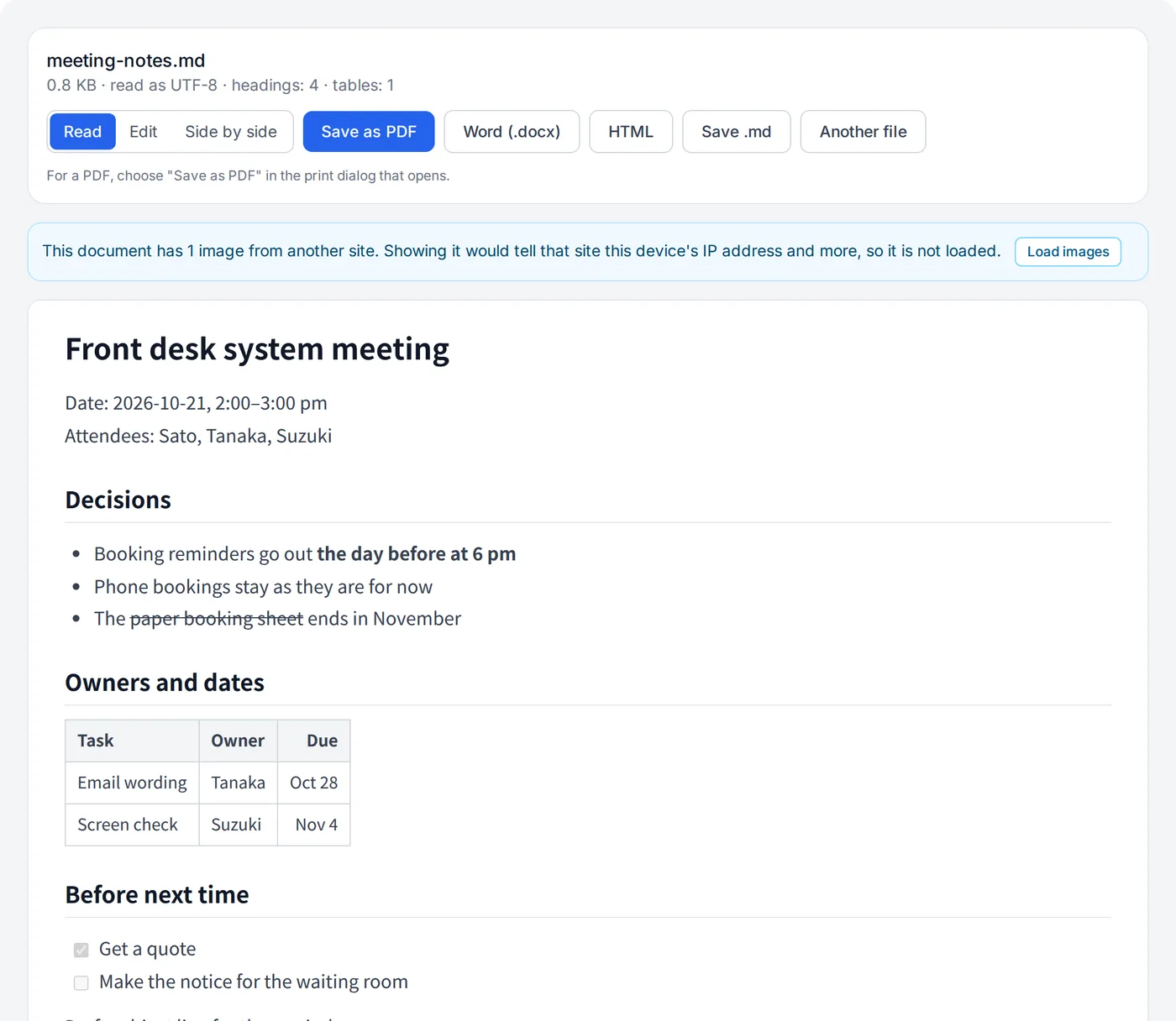
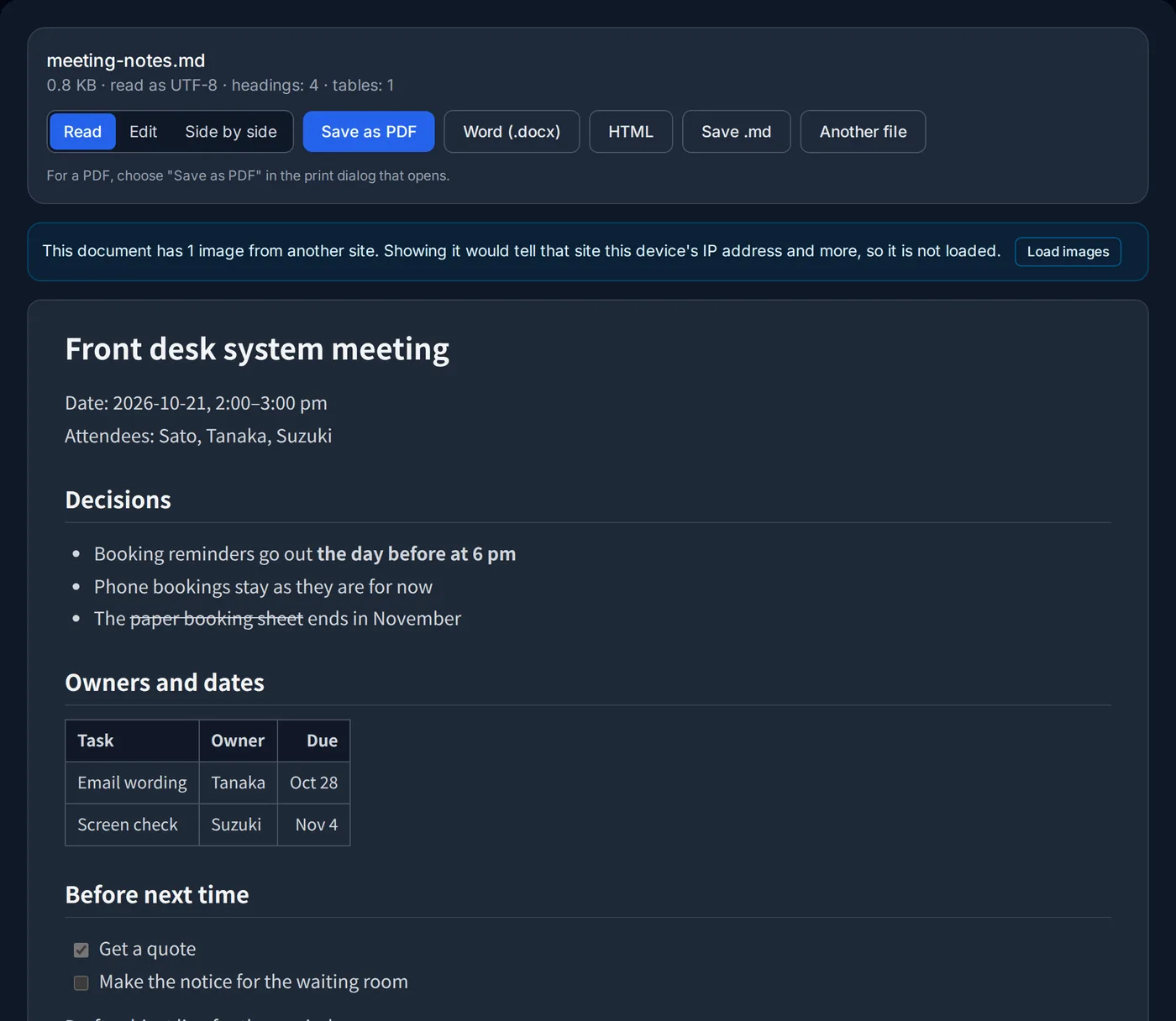
Images from other websites are not loaded until you press "Load images": loading them would tell those sites that the document was opened, and from where.
How this viewer works
Markdown is turned into HTML in your browser, the HTML is cleaned of anything that could run or load from the network, and the result is shown in a separate frame that cannot run scripts.
- Reading Markdown
- The text is parsed by marked 18.1.0 with GitHub Flavored Markdown (tables, task lists, strikethrough, bare links). The encoding is detected as on the rest of this site, so a file saved in Shift_JIS reads correctly. Headings get the same anchors as on GitHub, so a table of contents in the file works. marked license (MIT)
- Nothing loads by itself
- HTML written into a .md file is filtered with DOMPurify: scripts, styles, forms, frames and embedded media are removed. The frame that shows the document has no permission to run scripts, and its content security policy allows only images carried inside the file, until you choose to load the others.
- PDF and Word
- The PDF comes from your browser's print dialog, so the text stays selectable and searchable. The Word file is built here from the Markdown itself: headings use Word's Heading 1–6 styles, lists are real numbered and bulleted lists, tables have borders and a repeating header row, and code keeps its line breaks in a monospace font.
Limits
Footnotes, math ($…$) and Mermaid diagrams are not drawn. Images next to the file are not shown, and in the Word file images from other sites become a line of text with their address. The Word file has been checked by reading its parts back, not in Microsoft Word itself, so how it looks there is not confirmed. In the Word file, a table inside a quote or a list is not indented with it. Files over 2 MB, and quotes or lists nested more than 100 levels deep, are not opened.
Frequently asked questions
Is my file uploaded?
What is a .md file?
Why are some images not shown?
Does it look the same as on GitHub?
Is there a size limit?
Garbled text, contacts and text files
Other tools for the same situation
- Fix Mojibake Detect the encoding and fix the text
- CSV to Excel Keeps leading zeros in numbers
- VCF/vCard to CSV Phone contacts into Excel