Open an EPS File — See Its Preview, Size and Fonts
Check an .eps from Illustrator or Photoshop without installing anything. The page shows the preview picture saved in the file, its size, the software that made it and the fonts it uses, and saves the picture as PNG. The file is not sent anywhere.
Your files stay safe — processed entirely in your browser. Nothing is uploaded.
Drop an EPS file here
or click to choose one (.eps, .epsf, .epsi)
Up to 300 MB (100 MB on a phone or tablet). The file is read in your browser and not uploaded.
How to open an EPS file without Illustrator
EPS (Encapsulated PostScript) is a graphics file from Illustrator, Photoshop and other design software, often sent for logos, artwork and print ads. Its drawing is written in PostScript, a language that needs a PostScript interpreter or the design software itself to draw.
Many EPS files also carry a ready-made picture for the screen: a preview for Windows (TIFF or WMF), a device-independent preview (EPSI), or — in a Photoshop EPS — the image itself. This page shows that picture and what the file says about itself, in your browser. The file is not uploaded.
Open the file
Drop the .eps into the box above, or click to choose it.
Look at it
The picture is shown beside the file’s details: its size in millimetres and points, the software that made it, its title and date, the fonts it uses and its colours. The page says whether the picture is a preview or a Photoshop image at full size.
Save the picture
“Save as PNG” saves the picture at its own size. A file without a picture shows its details only, and what to do next.
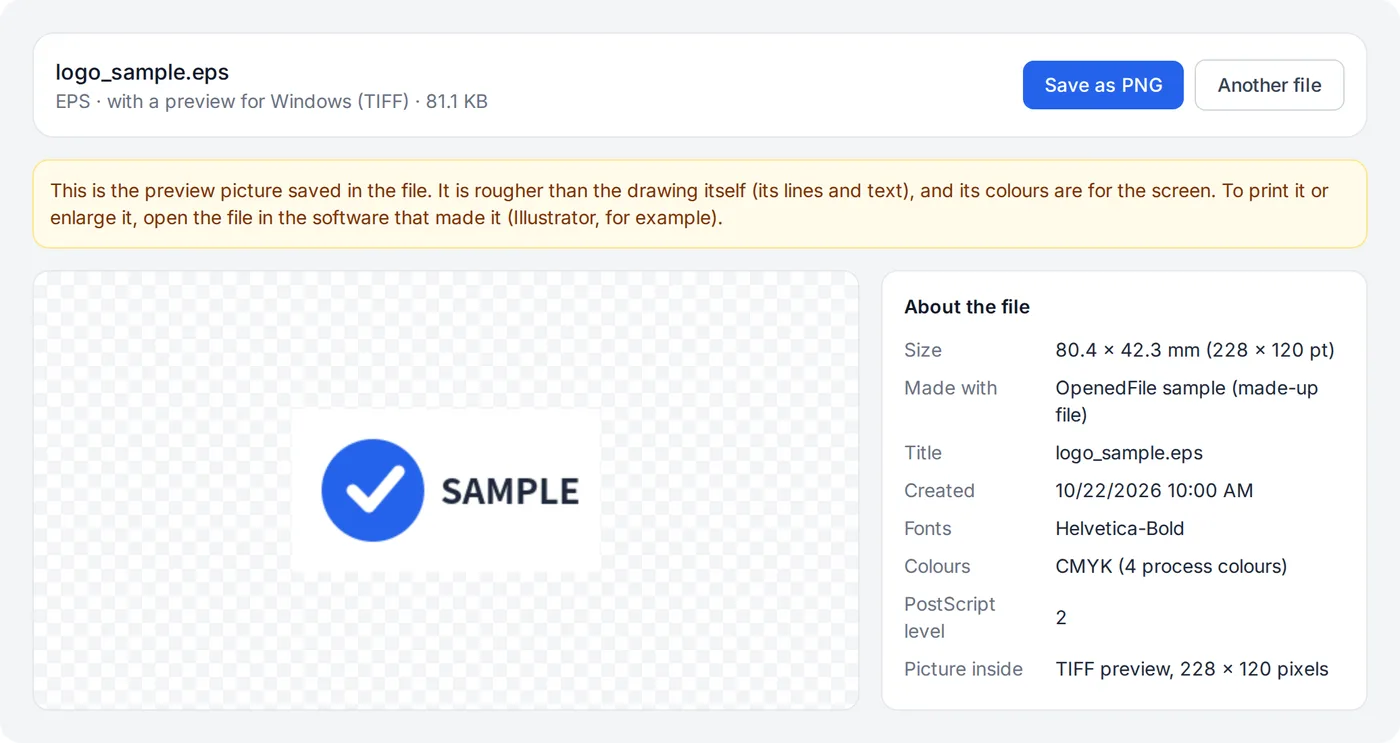
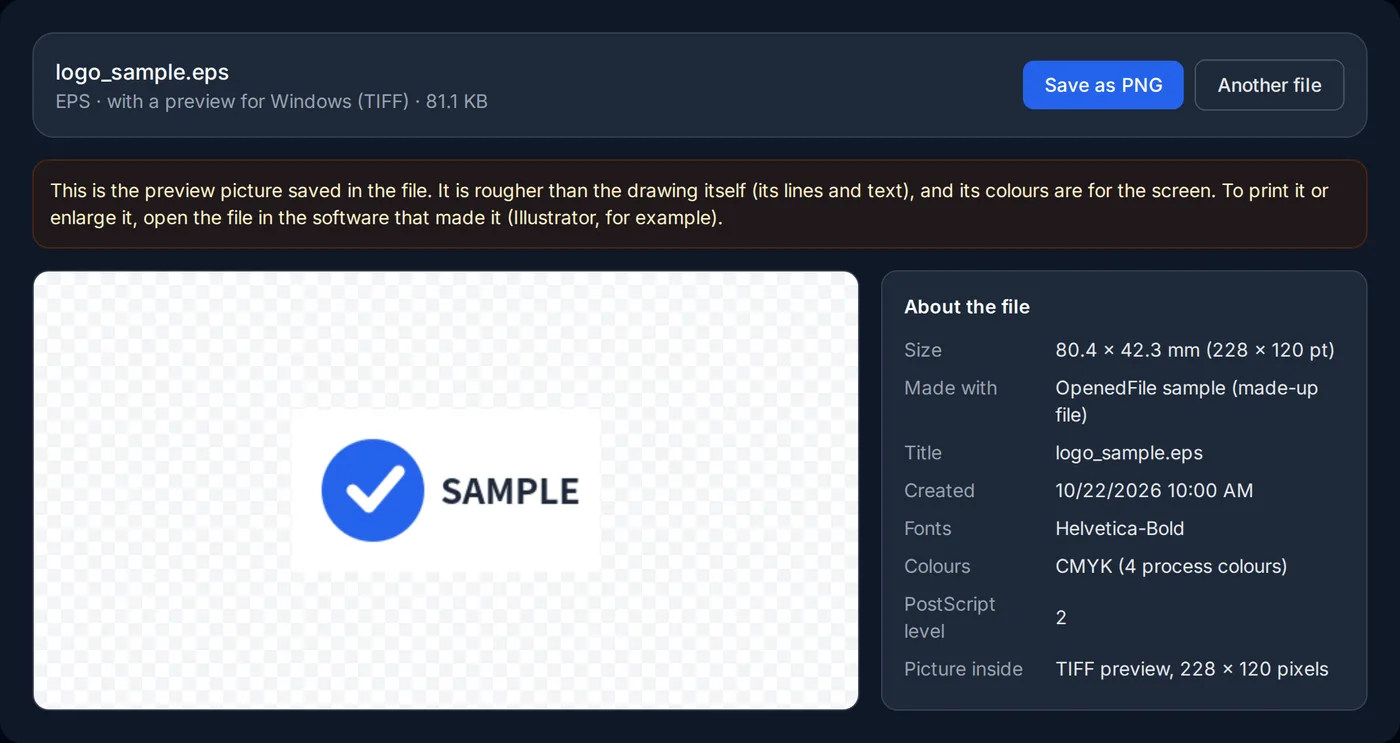
A preview is a picture made for the screen when the file was saved, at a low resolution (Adobe’s Photoshop help calls it “a low-resolution image”): it is enough to tell which logo or which version a file is, not to print or enlarge. For that, open the file in the software that made it, or ask the sender for a PDF.
How this viewer works
The file is read in your browser, in a separate worker. No PostScript is run: the page reads the parts of the file that are pictures or plain comments, following Adobe’s EPS specification (Technical Note 5002) and Photoshop’s file format specification.
- What is read
- A Windows EPS starts with a 30-byte header that gives the position and length of the PostScript and of a TIFF or WMF preview; a part that lies outside the file is left out. An EPSI preview is hexadecimal lines in the comments (0 is white). A Photoshop EPS describes its image in an %ImageData comment; its samples (gray, RGB, CMYK or Lab, binary or hexadecimal) or its JPEG are turned into the picture. The details come from the file’s DSC comments (%%BoundingBox, %%Creator, %%DocumentFonts and the like).
- TIFF and WMF previews
- A TIFF preview is decoded by UTIF.js with the same checks as this site’s TIFF viewer. Of a WMF preview only the pictures it carries are shown; lines and text in it are not drawn. UTIF.js license (MIT)
- Limits on what is read
- Reading takes time in proportion to the file. Sizes the file declares are believed only as far as the data that follows could fill them, and every buffer is counted against a limit when it is made. Pictures over 80 million pixels (or 40,000 on a side) are not made.
Limits
The PostScript drawing itself is not shown, and a file without a preview shows no picture. Mac previews kept in the resource fork (PICT) are not read. CMYK and Lab colours are approximate. Files over 300 MB (100 MB on a phone or tablet) are not opened. Text in the file’s comments is read in one encoding for the whole file, the one the file names or else one judged from its bytes and fonts (UTF-8, Japanese Shift_JIS or Windows-1252). When the judgement is wrong and the details look garbled, choose the encoding under “About the file” to read them again.
Frequently asked questions
Is my file uploaded?
Why is the picture rough, or not quite the drawing?
Why does it say the file has no picture?
What about a Photoshop EPS?
Can it convert EPS to PDF or SVG?
Drawings and images
Other tools for the same situation
- Open DXF Files See a drawing without CAD software
- Open DWG Files See an AutoCAD drawing without AutoCAD
- PSD Viewer See and save a Photoshop file’s picture