Open Pages, Numbers and Keynote Files on Windows — Numbers to Excel
Open a .numbers, .pages or .key file sent from a Mac or iPhone without installing anything. A Numbers file is saved as Excel (.xlsx); Pages and Keynote give you their text and pictures. The file is read in your browser and not sent anywhere.
Your files stay safe — processed entirely in your browser. Nothing is uploaded.
Drop a Pages, Numbers or Keynote file here
or click to choose one: .numbers, .pages, .key, or a .zip holding one
Up to 200 MB (50 MB on a phone or tablet). The file is read in your browser and not uploaded.
How to open Pages, Numbers and Keynote files on Windows
.pages, .numbers and .key are the files of Apple's Pages, Numbers and Keynote — the Mac and iPhone counterparts of Word, Excel and PowerPoint. Windows has no app that opens them, and Microsoft Office does not either.
This page reads them in your browser. A Numbers spreadsheet becomes an Excel file (.xlsx) or a CSV with its values; a Pages document gives you its text as a Word file or plain text; a Keynote presentation shows each slide's thumbnail and text. The file is not uploaded.
Open the file
Drop it into the box above, or click to choose it. A file that arrived as a .zip (a Mac zips a document that is a folder) can go in as it is.
Look through it
A Numbers file shows each table under its own button, next to the cover picture the file carries. A Pages file shows its text beside a picture of its first page. A Keynote file shows its slides' thumbnails and the text of each slide.
Save it
Numbers: “Save as Excel (.xlsx)” saves every table, “Save this table as CSV” the one shown. Pages: Word (text only) or plain text. Keynote: the slides' text. The pictures in a Pages or Keynote file can be saved as a ZIP.
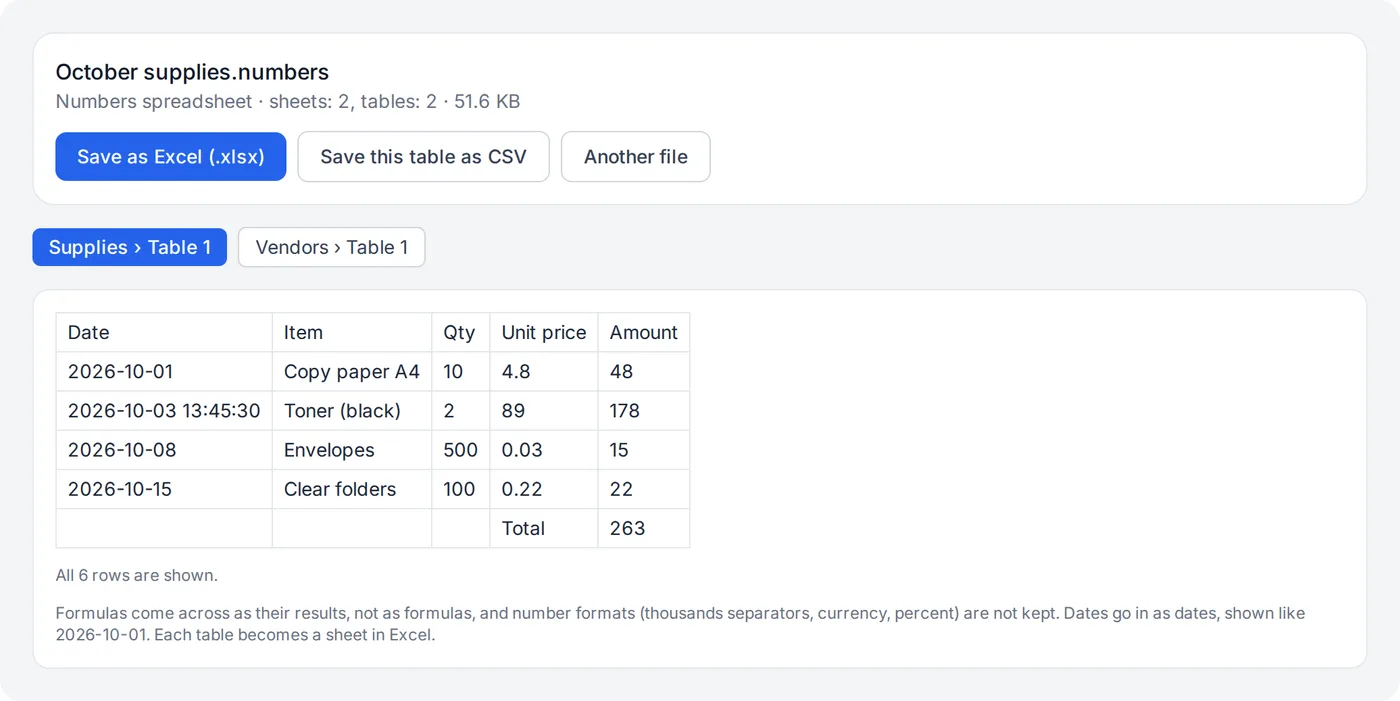
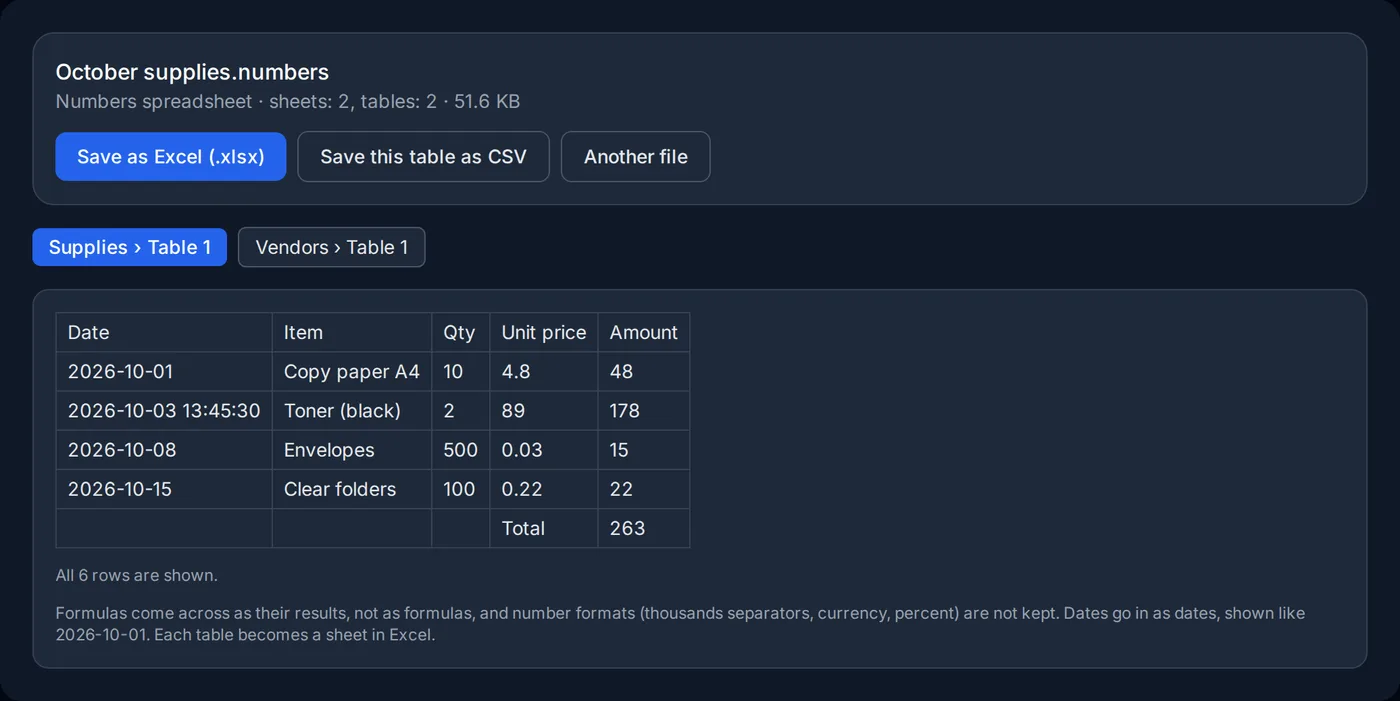
Only Numbers' tables come across as they are. Pages and Keynote are taken apart into text and pictures: their layout, fonts and animations are not reproduced here. To see them as they look, you can sign in at iCloud.com with your Apple Account and open them there (on Windows, in Microsoft Edge or Google Chrome).
How this viewer works
Pages, Numbers and Keynote files made since 2013 are ZIP files holding the document in Apple's IWA format: protobuf messages compressed with Snappy. The file is unpacked in your browser, in a separate worker, and everything made from it is counted against a limit as it is made.
- Unpacking the document
- Every piece must unpack to exactly the size it declares, and what is made is counted as it is made: ZIP entries, Snappy blocks, protobuf fields, and the text and pictures handed to the page or put into a saved file. A file that breaks these rules is treated as damaged rather than read as far as it goes; text past the limits is cut, and the page says so. Older iWork '09 Pages and Keynote files are XML, read by a small reader whose time grows in proportion to the file.
- Numbers
- Before SheetJS 0.20.3 is given the cells, the number it would make is counted from the tables' own structure (their row trees and tiles, every repeat included); past 2 million it is refused. SheetJS then reads the cells and writes the .xlsx; the names of the sheets and tables come from the document itself. Dates are read as the clock time Numbers shows (not shifted by your time zone) and written into Excel's 1900 date system with a format that shows the time when there is one. SheetJS runs only in a worker of its own, started only for Numbers files. SheetJS license (Apache 2.0)
- Pages and Keynote
- The text is read from the document's text storages: a Pages document's body first, then its text boxes, headers and footers and footnotes; a Keynote slide's title and body, then its other shapes, then its presenter notes. A placeholder hidden on a slide is skipped even if it holds a master's sample text, and master slides are not read. The Word file has the paragraphs only.
Limits
Formulas, number formats, styles, charts and pictures in a Numbers file are not carried into the .xlsx, and an error cell becomes #NULL! there. The .xlsx has been checked by reading it back in LibreOffice, not in Microsoft Excel itself. Text inside tables and charts in Pages and Keynote is not read, and text boxes are listed in the order they are stored, which can differ from where they sit on the page. Password-protected files, Numbers '09 files, files over 200 MB (50 MB on a phone or tablet) and Numbers files whose tables would make more than 2 million cells are not opened. Very long text is shown only in part (the saved text and Word files take up to 20 million characters).
Frequently asked questions
Is my file uploaded?
Can I convert a Numbers file to Excel?
Why does a Pages or Keynote file not look like the original?
It says the file is protected with a password.
Is there a size limit?
Files from a Mac or iPhone