What Is This File?
Drop a file you cannot open. We read its signature in your browser and tell you what it is.
Your files stay safe — processed entirely in your browser. Nothing is uploaded.
Drop any file here
or click to select — any format, any size
The file is read in your browser and never uploaded.
Why the extension is not the answer
A file's extension is just the end of its name. Anyone can change it, email systems strip it, and downloads routinely arrive with the wrong one. That is why a file that "should" open sometimes will not, and why an unfamiliar extension tells you so little.
Almost every binary format instead starts with a fixed sequence of bytes — a signature.
A PNG always begins 89 50 4E 47. A PDF always begins %PDF-.
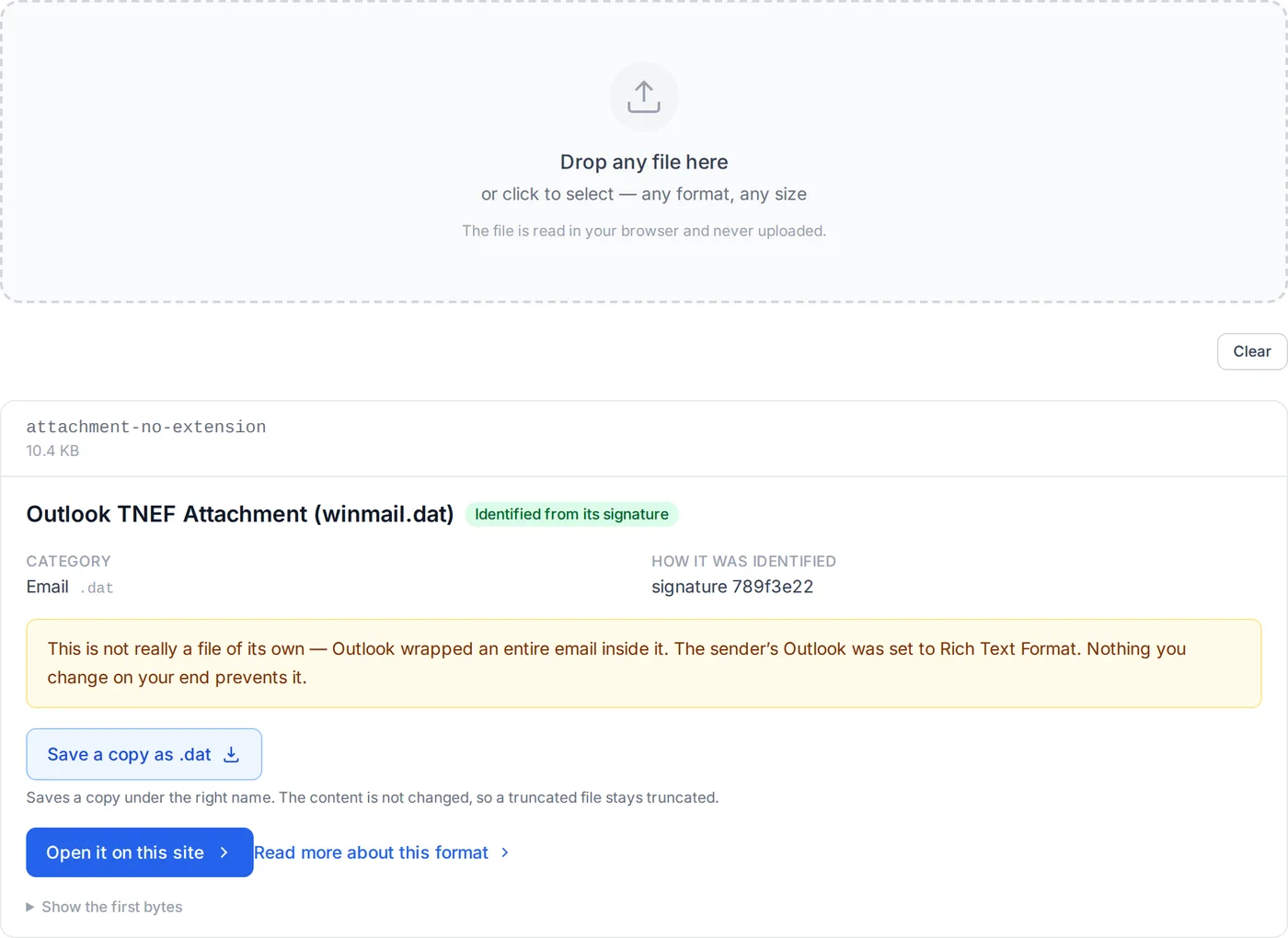
A winmail.dat always begins 78 9F 3E 22. Those bytes are part of the file
itself, so they survive renaming, and they are what this tool reads.
It currently knows 158 formats, and reads the first few kilobytes of your file to check them. When the signature is ambiguous — every Office document, EPUB, Android package and Apple Pages file is a ZIP archive underneath — it looks inside the container for the entries that tell them apart.
What the confidence labels mean
- Identified from its signature
- The file's own bytes matched a known format. This is reliable regardless of what the file is called.
- Identified from its contents
-
The wrapper was recognised and the specific format was determined by what is inside it
— for example a ZIP that contains
word/document.xmlis a Word document. - Identified from its structure
-
Text formats have no signature, so these are recognised by what they contain — a vCard
opens with
BEGIN:VCARD, an email has RFC 822 headers. - Guessed from the file name
- Nothing in the file itself matched, so this is the extension's claim and nothing more. Treat it as a hint.
Nothing is uploaded
Identifying a file you cannot open should not require handing it to a stranger — the
whole reason you do not know what it is might be that it came from somewhere you do not
trust. Detection runs in your browser using File.slice(), so only the
handful of kilobytes needed for the signature is ever read, and none of it leaves the
tab.
You can confirm that: open your browser's developer tools, switch to the Network tab, and drop a file. The page loads, and then nothing.
Formats with a guide of their own
Of the 158 formats the identifier recognises, the ones people most often receive and cannot open have a page each: why it will not open, and how to get at the contents. The result panel links to these too, but if you already suspect what the file is, go straight there.
- winmail.dat How to Open a winmail.dat File
- .msg How to Open a .msg File Without Outlook
- .dat How to Open a .dat File
- .mime How to Open a .mime File
- .pages How to Open a .pages File on Windows
- .numbers How to Open a .numbers File in Excel
- .key How to Open a .key File (Keynote) on Windows
- .p7m How to Open a .p7m File
- .dwg How to Open a DWG File Without AutoCAD
- .clip How to Open a .clip File
- .bak How to Open a .bak File
- .webarchive How to Open a .webarchive File on Windows
- .xdw How to Open an .xdw File (DocuWorks)
- .jtd How to Open a .jtd File (Ichitaro)
- .lnk How to Open a .lnk File (and Why .ink Does Not Exist)
- .aae What Is an .aae File on iPhone?
- .psd How to Open a PSD File Without Photoshop
- .rar How to Open a RAR File
- .crdownload What Is a .crdownload File, and Can You Open It?
- .xps How to Open .xps and .oxps Files (Windows 11 Has No Viewer by Default)
- .jfif What Is a .jfif File? It Is a JPEG — Here Is Why the Name Changed
- Thumbs.db What Is Thumbs.db, Can You Delete It, and What Is Still Inside
- .DS_Store What Is .DS_Store, Can You Delete It, and What Does It Reveal
- .lzh How to Open an LZH File on Windows 11 and Mac