Open JTD (Ichitaro) Files — Save as Word or PDF
See an Ichitaro .jtd document and save it as Word (.docx), PDF or text. Works on a Mac, an iPhone, or a PC where you cannot install software. The file is read in your browser and never uploaded.
Your files stay safe — processed entirely in your browser. Nothing is uploaded.
Drop a .jtd file here
or click to choose a file
Ichitaro documents (.jtd) and templates (.jtt). The file stays on your device.
How to open a .jtd without Ichitaro
A .jtd is a document from Ichitaro (一太郎), the Japanese word processor from JustSystems that government offices and schools still use. The official way to open one without Ichitaro is the free Ichitaro Viewer — but it runs only on Japanese-language Windows. On a Mac, an iPhone, an Android phone or a PC where you cannot install software, there is no official way at all.
This page reads the file in your browser instead. It shows the pages, and saves the document as a Word file you can edit, a PDF, or plain text.
Choose the file
Drop the .jtd onto the box above, or click it to pick the file. On an iPhone, save the attachment to the Files app first.
Read it
The pages appear one below the other, with the document's tables and ruled lines.
Save it in a format you can open
"Save as Word" gives a .docx with the paragraphs, tables and text formatting. "Save as PDF" keeps the look of the pages on screen, with searchable text. "Save the text" saves the words only.
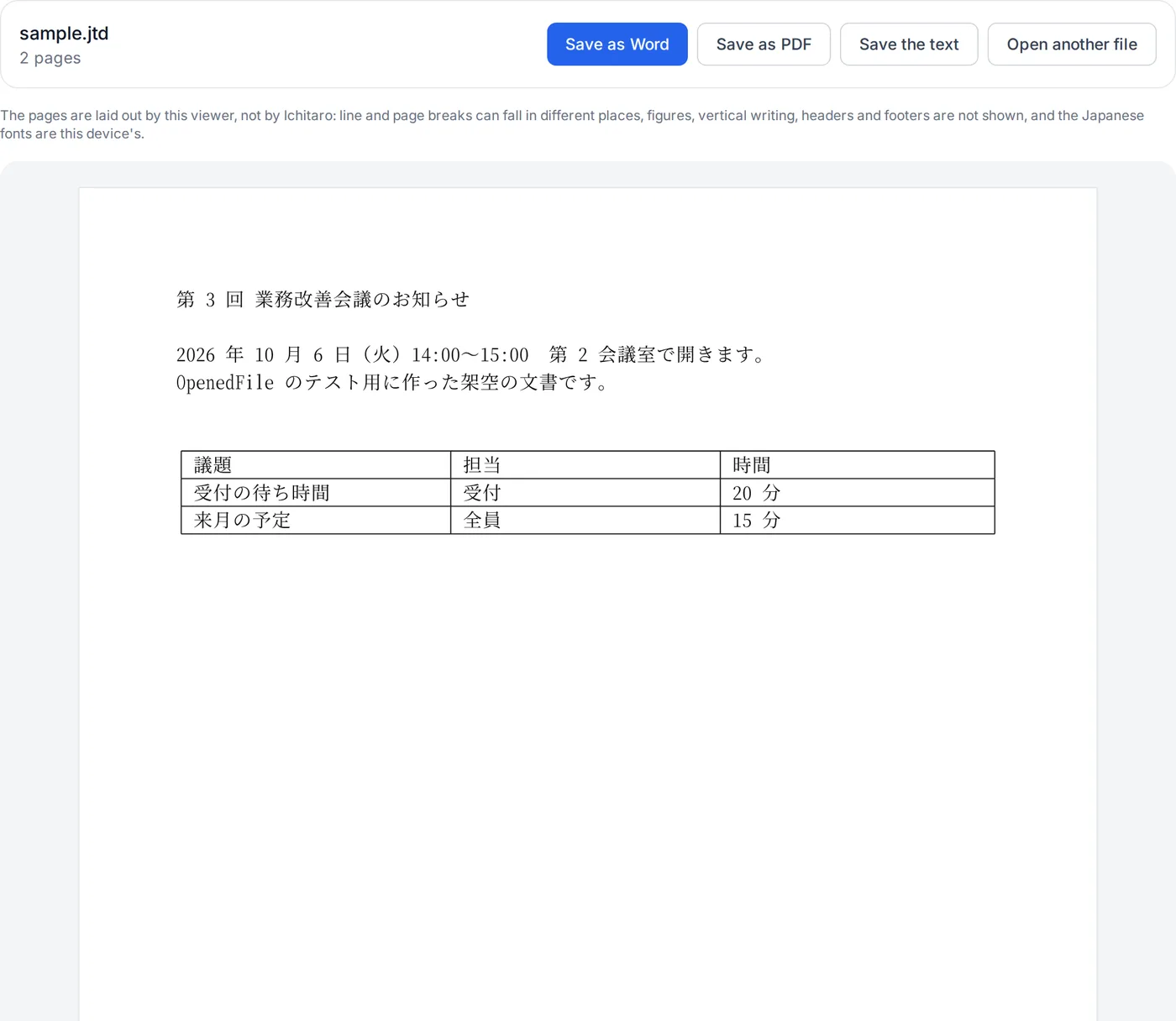
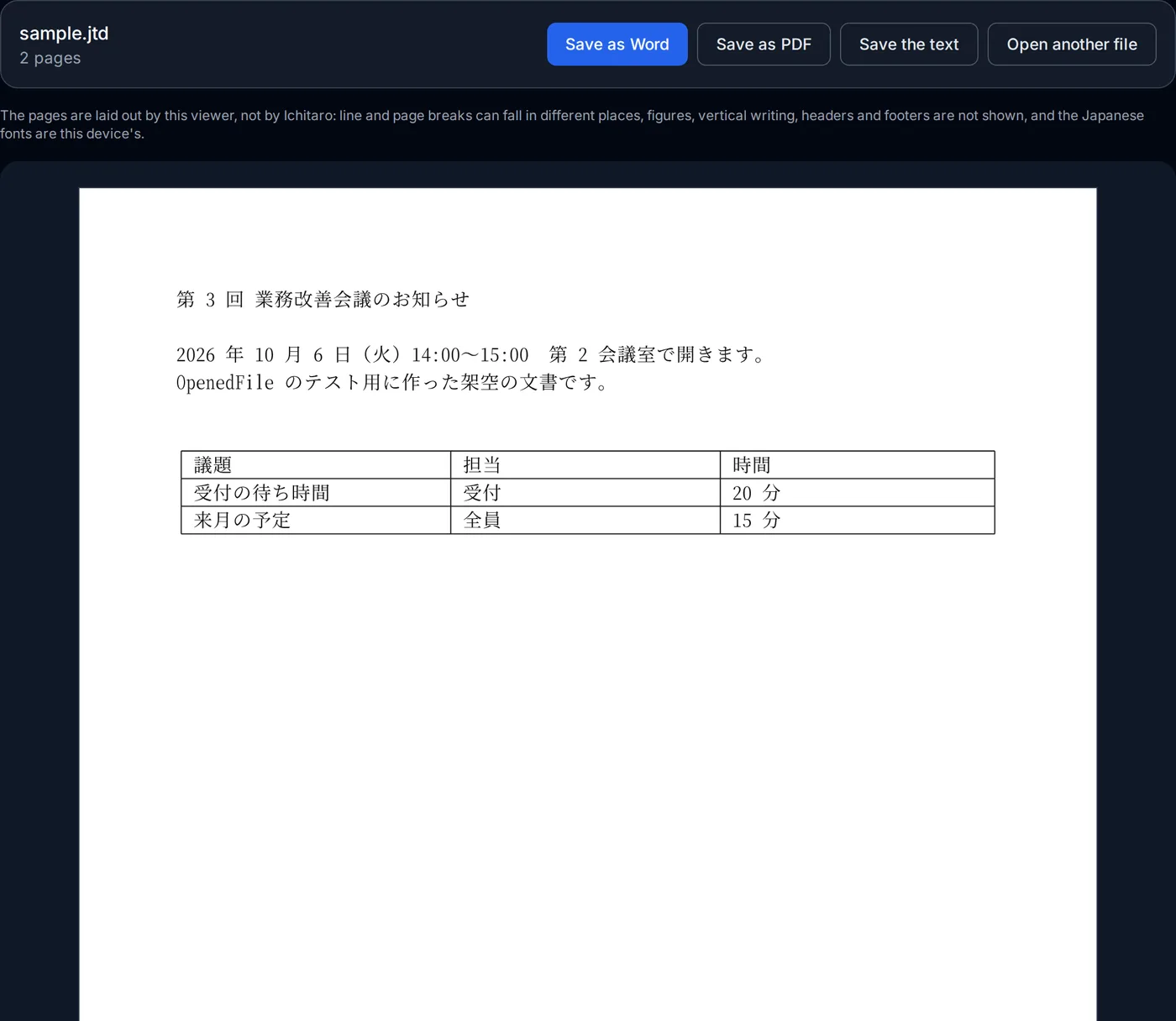
The reader is fetched the first time you open a file (about 0.8 MB) and runs on your device. Before publishing this page we opened 95 Ichitaro documents that the Ministry of Education (MEXT) publishes on its website, saved between 2002 and 2007 in the formats of Ichitaro 8 to 2005; all 95 opened. Documents saved by newer versions have not been tested here; the engine's authors say they also check it against files made with the current Ichitaro.
How this JTD viewer works
Ichitaro's format is not published. This viewer uses ezpzfile-jtd, an open-source (MIT) engine whose authors worked the format out from public files; it is not affiliated with JustSystems. The engine is compiled to WebAssembly and runs on your device.
- Reading the file
- A .jtd is a compound file (the same container as an old .doc). The text is in a stream called DocumentText, as 16-bit (UTF-16) characters followed by records of the formatting and tables; the engine turns it back into paragraphs, runs and tables.
- Laying out the pages
- The engine places the text on pages of the document's paper size, margins and characters per line, the way Ichitaro's grid does, and the page draws the result on a canvas when it scrolls into view.
- Word and PDF
- The Word file is written by the engine itself, with no server. The PDF is each page drawn at about 200 dpi, with the document's text laid invisibly on top so it can be searched and copied.
- Loaded only when needed
- The engine is about 0.8 MB, so it is fetched when you drop a file, not when the page opens. ezpzfile-jtd license (MIT)
Where it stops
Figures and pictures, vertical writing, headers and footers, and multi-column layouts are not shown, and compressed documents (.jtdc, .jttc) cannot be opened. Line breaks follow the fonts on your device, so they can differ from Ichitaro's.