EML vs MSG: Email File Format Differences
Compare EML and MSG email file formats — understand their differences, compatibility, and when to use each.
When you save or export an email from your mail client, it typically ends up as either an .eml or .msg file. While both formats preserve the contents of an email message, they differ significantly in structure, compatibility, and use cases. Understanding these differences is essential for anyone who works with email archives, digital forensics, legal discovery, or simply needs to share saved emails across different platforms.
Overview of Email File Formats
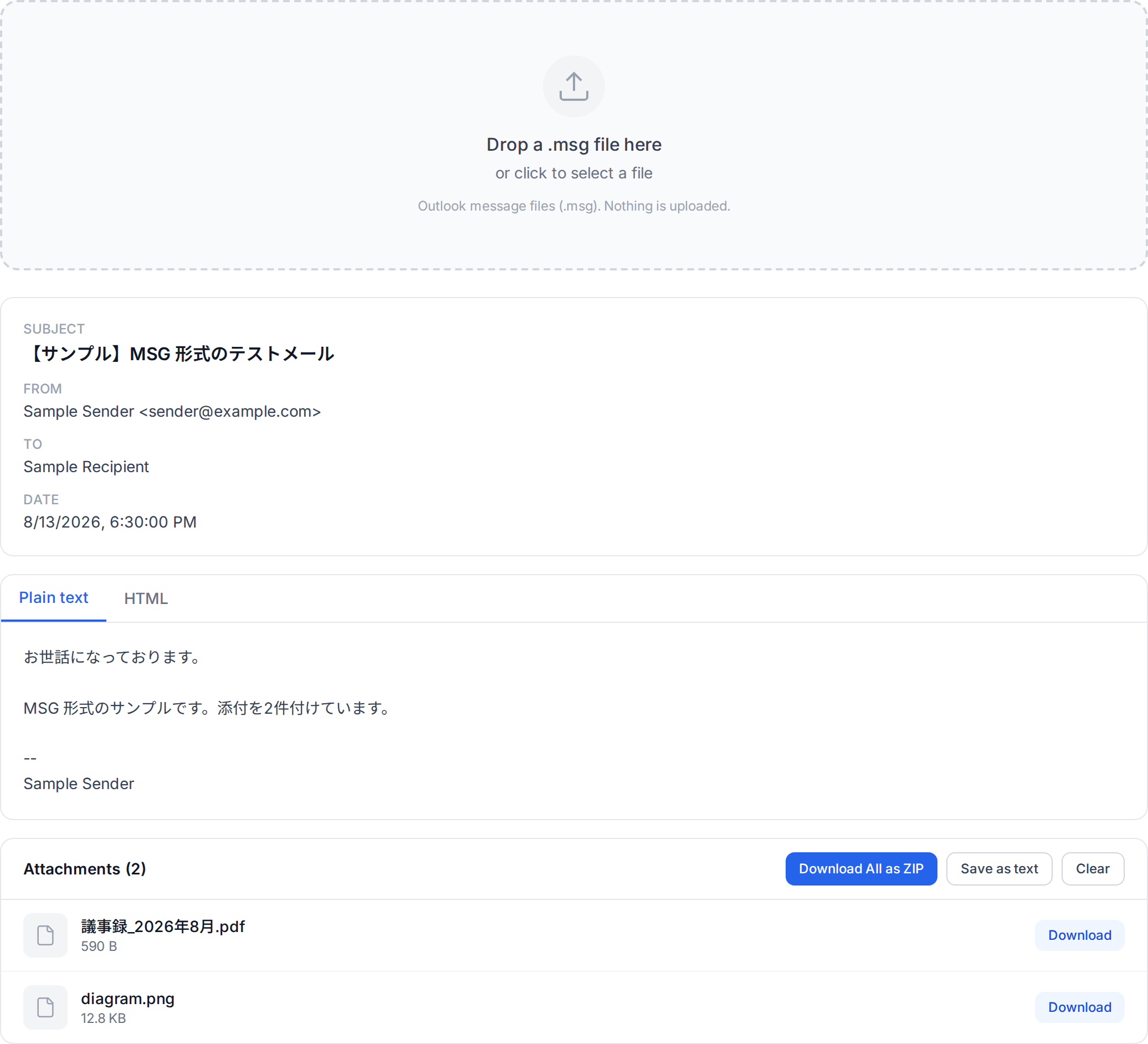
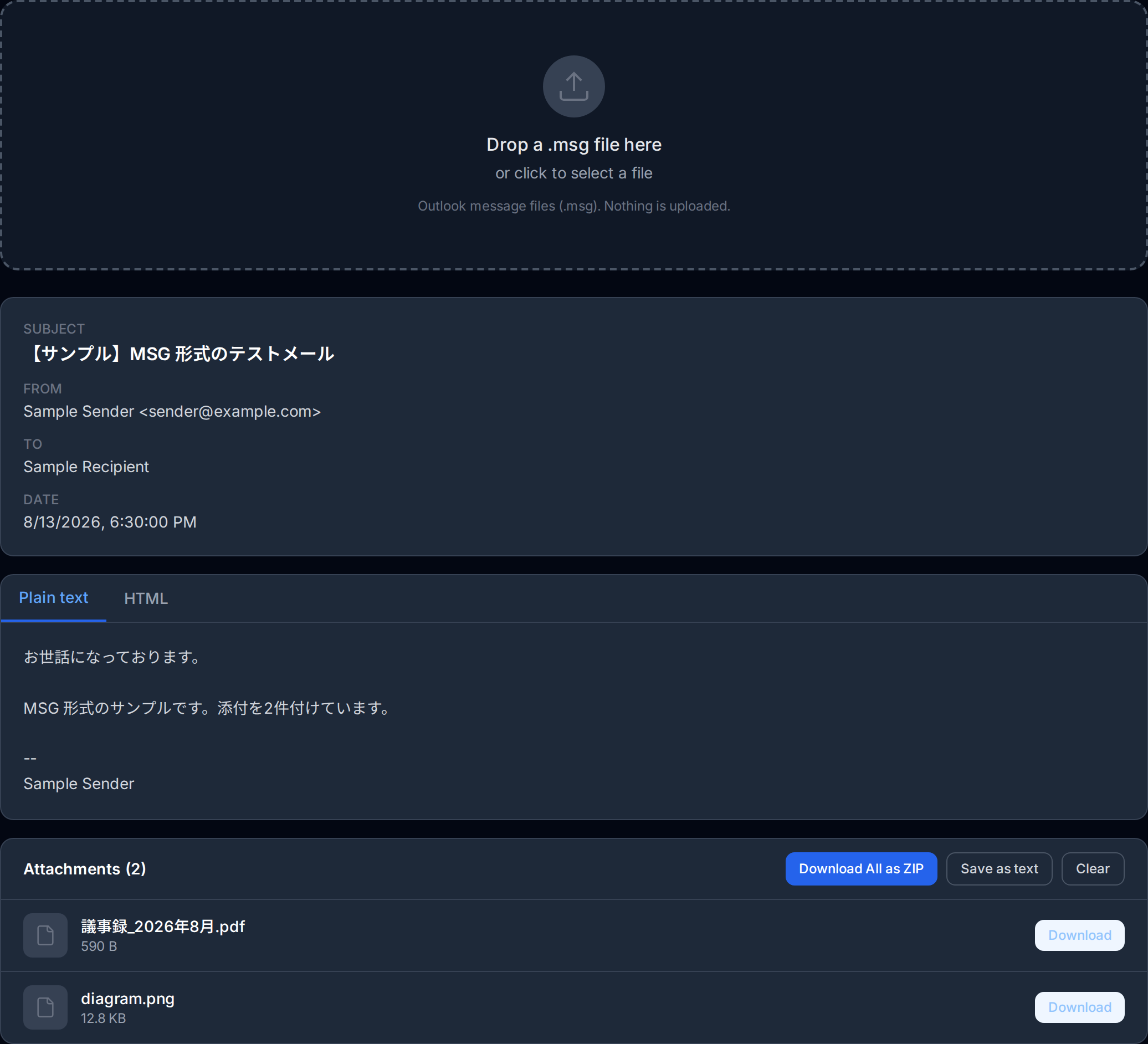
Email messages are structured data objects that contain headers (sender, recipient, subject, date), a message body (plain text, HTML, or both), and optional attachments. When an email is saved to a file, the format used to store this data determines how portable, readable, and compatible the resulting file will be.
The two most common email file formats are EML and MSG. EML is an open, standards-based format used by the majority of email clients worldwide. MSG is a proprietary format developed by Microsoft specifically for use with Outlook. Both formats can faithfully represent an email message, but they take fundamentally different approaches to how that data is structured and encoded.
The EML Format in Detail
The EML format is based on RFC 5322 (Internet Message Format) and MIME (Multipurpose Internet Mail Extensions, defined in RFC 2045-2049). An EML file is essentially a raw email message saved exactly as it would be transmitted over the SMTP protocol. Because of this, EML files are plain text files that can be opened and inspected with any text editor.
The structure of an EML file follows a straightforward pattern. The file begins with a block of headers, each on its own line in the format Header-Name: value. Common headers include From, To, Subject, Date, and Content-Type. After the headers, a blank line separates the header section from the message body. For multipart messages (those with attachments or both plain text and HTML versions), the body is divided into sections using MIME boundaries.
Key characteristics of the EML format include:
- Text-based: EML files are human-readable plain text. Binary attachments are encoded using Base64 within the file.
- Standards-compliant: Built on well-established Internet standards (RFC 5322, MIME), ensuring broad interoperability.
- Universally supported: Virtually every email client on every platform can open EML files, including Thunderbird, Apple Mail, Windows Mail, and web-based tools.
- Lightweight: EML files contain only the message data without additional proprietary metadata, keeping file sizes relatively small.
- Transparent: Because the format is plain text, EML files can be parsed, searched, and processed by standard text-processing tools and scripts.
Did You Know?
MSG files use the OLE Compound Document format internally, which is the same binary container format used by legacy Microsoft Office documents like .doc and .xls files. This means MSG files share structural similarities with Word documents rather than with standard email formats.
The MSG Format in Detail
The MSG format is a proprietary binary format developed by Microsoft for storing email messages from Outlook. Unlike EML, an MSG file is not a simple text file. It uses the OLE (Object Linking and Embedding) Compound Document format, also known as the Compound File Binary Format (CFBF). This is the same underlying container technology used by older Microsoft Office file formats such as .doc, .xls, and .ppt.
Inside an MSG file, the email data is organized into a hierarchical structure of storages and streams, similar to a miniature file system within a single file. The message properties (sender, recipient, subject, body, etc.) are stored as MAPI (Messaging Application Programming Interface) properties, each identified by a numeric property tag. Attachments are stored as sub-storages within the compound document, and each attachment has its own set of MAPI properties.
Key characteristics of the MSG format include:
- Binary format: MSG files are not human-readable and require specialized software or libraries to parse and extract data.
- Proprietary: Although Microsoft has published documentation for the format, it is tightly coupled to the Microsoft ecosystem and MAPI property definitions.
- Outlook-specific: MSG files are natively supported only by Microsoft Outlook. Other email clients generally cannot open them without conversion or third-party tools.
- Rich metadata: MSG files can store extensive Outlook-specific metadata, including categories, flags, follow-up dates, importance levels, and custom MAPI properties that have no equivalent in the EML format.
- Larger file size: Due to the OLE compound document overhead and additional metadata, MSG files are typically larger than equivalent EML files for the same email message.
Detailed Comparison
The following table provides a side-by-side comparison of the EML and MSG formats across the most important dimensions:
| Feature | EML | MSG |
|---|---|---|
| Format type | Text-based (MIME) | Binary (OLE Compound Document) |
| Standard | RFC 5322 / MIME (open standard) | Microsoft proprietary |
| Compatibility | Universal (all email clients) | Microsoft Outlook only |
| File size | Smaller (minimal overhead) | Larger (OLE + MAPI overhead) |
| Human-readable | Yes (plain text) | No (binary) |
| Metadata | Standard email headers | Extended MAPI properties |
| Outlook features | Not preserved | Fully preserved (flags, categories, etc.) |
| Attachments | Base64-encoded in MIME parts | Stored as OLE sub-storages |
| Platform support | Windows, macOS, Linux, web | Primarily Windows (Outlook) |
| Scripting / parsing | Easy (text-based, many libraries) | Complex (requires OLE/MAPI libraries) |
Converting Between Formats
There are situations where you may need to convert emails between EML and MSG formats. For example, you might receive an MSG file from a colleague who uses Outlook, but you need to archive it in a system that only accepts EML. Or you may need to convert an EML archive into MSG format for import into Outlook.
EML to MSG Conversion
Converting from EML to MSG typically requires Microsoft Outlook or a specialized conversion tool. The process involves parsing the MIME structure of the EML file and mapping each element to its corresponding MAPI property in the MSG format. While the core message content (headers, body, attachments) converts reliably, some nuances of MIME encoding may not have perfect MAPI equivalents.
MSG to EML Conversion
Converting from MSG to EML requires extracting data from the OLE compound document and reconstructing a valid MIME message. This conversion is generally more straightforward for basic messages, since EML is a simpler format. However, Outlook-specific metadata such as categories, flags, voting responses, and custom MAPI properties will be lost during the conversion because the EML format has no way to represent them.
Important
Converting between EML and MSG formats can result in data loss. Outlook-specific MAPI properties (categories, flags, follow-up dates) are lost when converting MSG to EML, and some MIME encoding nuances may not translate perfectly to MSG. Always keep a copy of the original file before converting, especially for legal or compliance purposes.
Which Format Should You Choose?
The best format depends on your specific use case. Here are recommendations for common scenarios:
For Email Archiving
If you are building a long-term email archive, EML is the better choice. Its open, standards-based format ensures that your archived emails will remain readable for decades, regardless of what happens to any particular software vendor. EML files can be processed by a wide range of tools and are suitable for compliance and legal discovery workflows. If you rely heavily on Outlook-specific metadata (categories, flags), consider maintaining a parallel MSG archive alongside your EML files.
For Sharing Emails
When sharing saved emails with others, EML is almost always the right choice. The recipient can open EML files on any platform with any email client. Sending an MSG file to someone who does not use Outlook will leave them unable to read the message without specialized tools. Even if both parties use Outlook, EML ensures compatibility if the message needs to be forwarded to non-Outlook users later.
For Outlook-Centric Workflows
If your entire workflow is built around Microsoft Outlook and Exchange, and you need to preserve Outlook-specific features such as categories, custom flags, or voting responses, MSG may be the more appropriate format. MSG files integrate seamlessly with Outlook and preserve every MAPI property, making them ideal for internal workflows within Microsoft-centric organizations.
For Forensics and Legal Discovery
In digital forensics and e-discovery, both formats are encountered regularly. Professionals in this field need tools that can handle both formats reliably. EML files are generally preferred for their transparency and ease of verification, as the plain-text format makes it straightforward to verify headers, check for tampering, and extract metadata. MSG files require more specialized tools but can provide additional metadata that may be relevant to an investigation.
Recommended
For maximum cross-platform compatibility, use the EML format whenever possible. EML files work on every operating system and can be opened by virtually any email client. You can view EML files instantly in your browser with our EML Viewer on OpenedFile -- no software installation required.
Conclusion
EML and MSG are both capable email file formats, but they serve different audiences and use cases. EML is the universal choice: open, standards-based, lightweight, and supported everywhere. MSG is the specialist choice: proprietary, feature-rich within the Outlook ecosystem, but limited in portability. For most users, EML provides the best balance of compatibility and functionality. If you need to work with EML files, our EML Viewer lets you open and inspect them directly in your browser without installing any software.
Whether you are archiving important correspondence, sharing emails with colleagues, or managing a compliance workflow, choosing the right email file format will save you time and prevent compatibility headaches down the road. When in doubt, choose EML for its openness and universality.
About the author
Ren
Developer, OpenedFile
I build and maintain OpenedFile on my own. It started when a winmail.dat attachment landed in my inbox and nothing would open it — and every online converter I found wanted me to upload the file to their server first. So I wrote a TNEF parser from scratch instead, and every tool here has run entirely in the browser ever since.
More about OpenedFile